
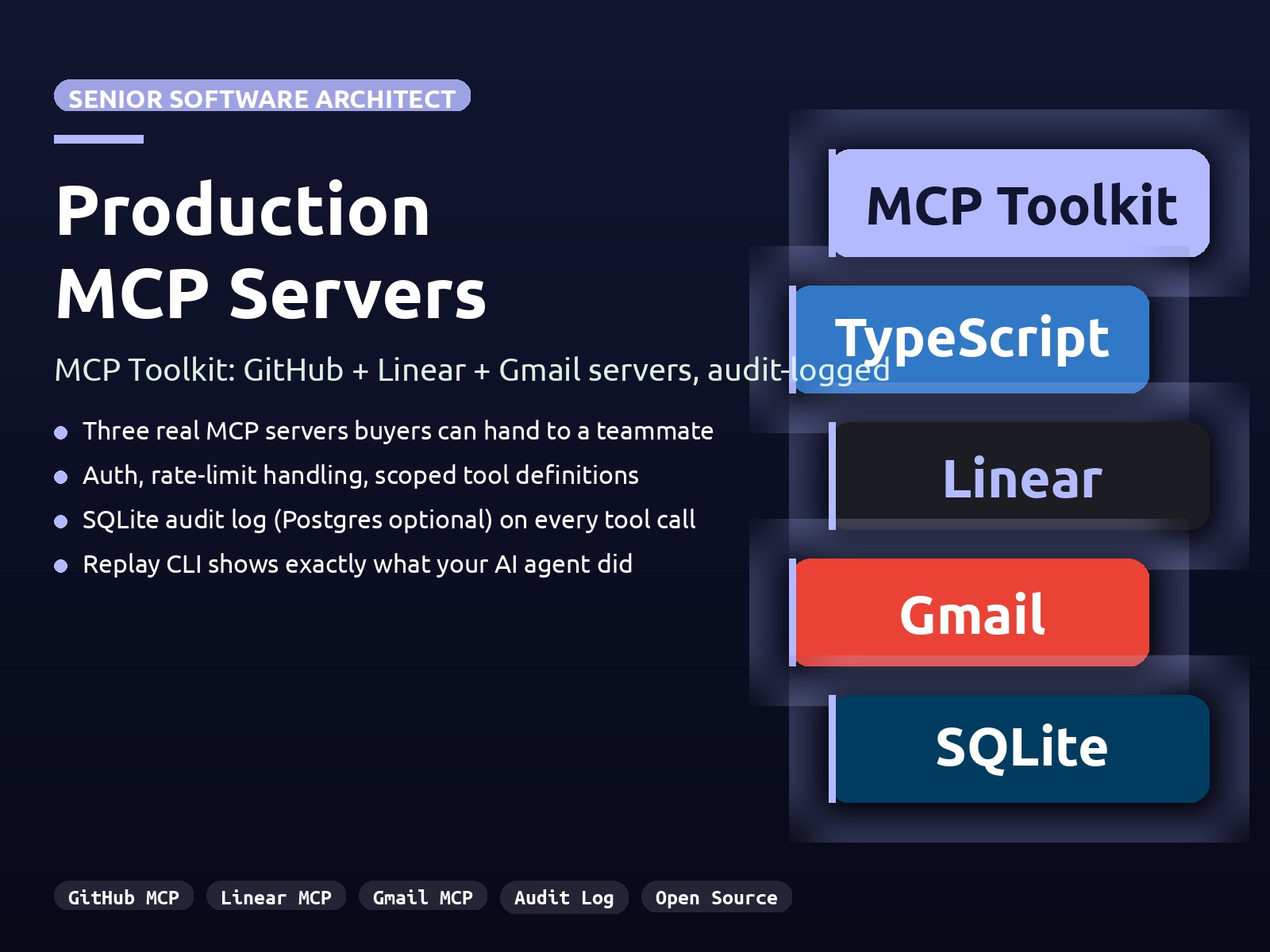
MCP Toolkit
Three production-grade Model Context Protocol servers (GitHub, Linear, Gmail) with auth, audit logging, and rate-limit handling.
The problem
MCP turns Claude and Cursor into agents that touch real systems, but the reference servers from Anthropic stop short of production. Public examples are toy demos. Buyers who want to hand an MCP server to a teammate need auth that is not a shared secret, errors that surface rate-limit detail, tightly scoped tool definitions, and an audit log they can replay after the fact.
Goals
- Ship three MCP servers buyers can run today: GitHub, Linear, Gmail
- Make every tool call audit-logged so giving the agent write access stays defensible
- Scope tokens per tool, no shared secrets across servers
- Surface rate-limit and auth errors as structured responses, not silent failures
- Keep the install path simple: clone or npx, drop env tokens, register in the client config
The solution
- GitHub MCP server with issue CRUD, PR review, and repo search; authenticates via personal access token
- Linear MCP server with issue CRUD plus project and team queries; authenticates via Linear API key
- Gmail MCP server for read, send, and label flows with documented Google Cloud OAuth setup
- Shared packages/core with auth helpers, SQLite audit log (Postgres optional), and structured logging
- atif-mcp-replay CLI that prints the most recent tool calls from the audit log for after-the-fact review
- Zero-hosting deploy model: servers run inside the AI client process over stdio
My role
- → Solo architect and engineer, monorepo scaffold to release
- → pnpm workspace design with a shared core package
- → MCP server implementation for GitHub, Linear, and Gmail
- → Audit logging layer with SQLite default and Postgres opt-in
- → Replay CLI and inspector-driven testing workflow
UI direction
Config-driven, no UI. The replay CLI and the @modelcontextprotocol/inspector are the operator surfaces. Every tool call writes a structured audit row buyers can grep, replay, or join against their own tables.
User flows
Install flow
- 1 Buyer clones the repo or runs the published npx package
- 2 Adds the server entry to claude_desktop_config.json or their Cursor MCP config
- 3 Drops API tokens into env, no hosting required
- 4 Server runs inside the AI client process over stdio on next launch
Tool call audit flow
- 1 AI client invokes a tool on one of the MCP servers
- 2 Auth helper validates the per-tool token
- 3 Tool call executes against the upstream API (GitHub, Linear, Gmail)
- 4 Response, timing, and arguments persist to the SQLite audit log
- 5 Operator inspects recent calls via atif-mcp-replay or queries the audit table directly
Screenshots
Click any image to open at full size.
Key learnings
- Scoping tokens per tool, not per server, removes a class of blast-radius problems before they happen
- Surfacing rate-limit detail as a structured error response is more useful than retrying silently
- A shared core package with auth, audit, and logging removes per-server boilerplate and keeps behavior consistent across GitHub, Linear, and Gmail
- The audit log is the actual product once an AI client has write access; without it, MCP is hard to defend in a regulated workflow
Want something like MCP Toolkit?
I'm open to senior contract work. Let's talk about what you're building.
Get in touch